
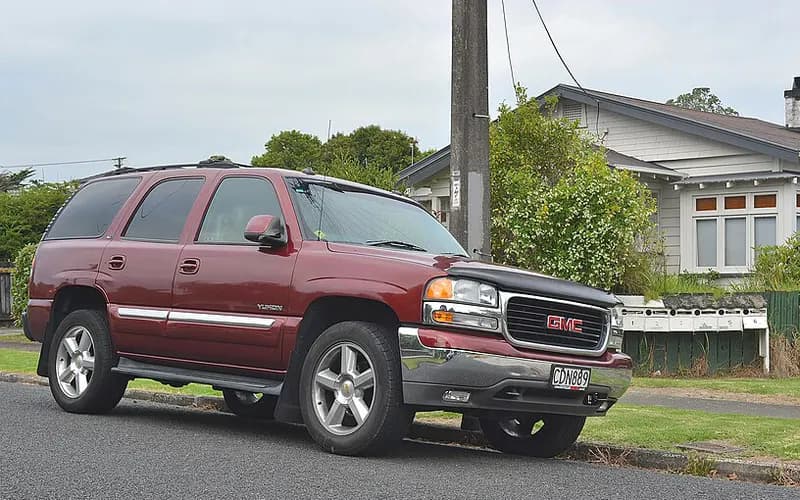
GMC Yukon 2000–2006
Common on this vehicle:
issueCHECK OIL LEVEL message stays on after an oil change or top-off until the engine coolsRemove
Record by record
1 records state a cause or a remedy. Each record is shown as short labels in the order fault → finding the cause → correction. Press a label to narrow to the records that state it.
Read the records one by one (1)
Known issuesCHECK OIL LEVEL message stays on after an oil change or top-off until the engine cools1
Manufacturer communication2002–2006 GMC YUKON DENALI ・ 2006-08-01
CHECK OIL LEVEL message stays on after an oil change or top-off until the engine cools
1Fault
- The CHECK OIL LEVEL message may display after a repair if the key is left on during an oil change, or after topping off the engine oil due to a low oil condition.
- On the Tech 2, the Engine Oil Level Switch data parameter shows OK, but the CHECK OIL LEVEL message is still displayed on the DIC.
2Finding the cause
Possible causes
- This can result when the engine coolant temperature criteria to reset CHECK OIL LEVEL have not been met; the system must see a 50° F (10° C) drop in engine coolant temperature to recheck the oil level.
Steps to confirm (in the document’s order)
- On the next key cycle, if the engine oil level is OK, the DIC message will remain off.
3Correction
Repair
- Run the engine until operating temperature is reached, then shut it off and let it cool down for 1 to 2 hours with the key in the off position.
Read the sentences of the record
From the manufacturer’s document
- Applies to:The information applies to 1999-2007 Chevrolet Silverado Classic and GMC Sierra Classic, and 2002-06 Cadillac Escalade, Chevrolet Avalanche, Suburban, Tahoe, and GMC Yukon and Yukon Denali.
- Condition:The CHECK OIL LEVEL message may display after a repair if the key is left on during an oil change, or after topping off the engine oil due to a low oil condition.
- Condition:On the Tech 2, the Engine Oil Level Switch data parameter shows OK, but the CHECK OIL LEVEL message is still displayed on the DIC.
- Cause:This can result when the engine coolant temperature criteria to reset CHECK OIL LEVEL have not been met; the system must see a 50° F (10° C) drop in engine coolant temperature to recheck the oil level.
- Repair:Run the engine until operating temperature is reached, then shut it off and let it cool down for 1 to 2 hours with the key in the off position.
- Confirm:On the next key cycle, if the engine oil level is OK, the DIC message will remain off.
Open this issue of GM TechLink ↗ The points above are read from an article of TechLink, GM’s monthly publication for dealership technicians. The article itself is not reproduced here.
- Remedy
- CHECK OIL LEVEL Message This information applies to 1999-2007 Chevrolet Silverado Classic and GMC Sierra Classic, 2002-06 Cadillac Escalade, Chevrolet Avalanche, Suburban, Tahoe, and GMC Yukon and Yukon Denali. The CHECK OIL LEVEL message may display after a repair if the key is left on when doing an oil change, or after topping off the engine oil due to a low oil condition. When using the Tech 2 to view the Engine Oil Level Switch data parameter, it will show OK, but the CHECK OIL LEVEL message will still be displayed on the DIC. These conditions could result if the engine coolant temperature criteria have not been met to reset the CHECK OIL LEVEL. The system must see a 50° F (10° C) drop in engine coolant temperature to recheck the engine oil level. To correct this concern, allow the engine to run until operating temperature is reached. Then shut the engine off and allow the engine to cool down for 1 to 2 hours with the key in the off position. On the next key cycle, if the engine oil level is OK, the DIC message will remain off.