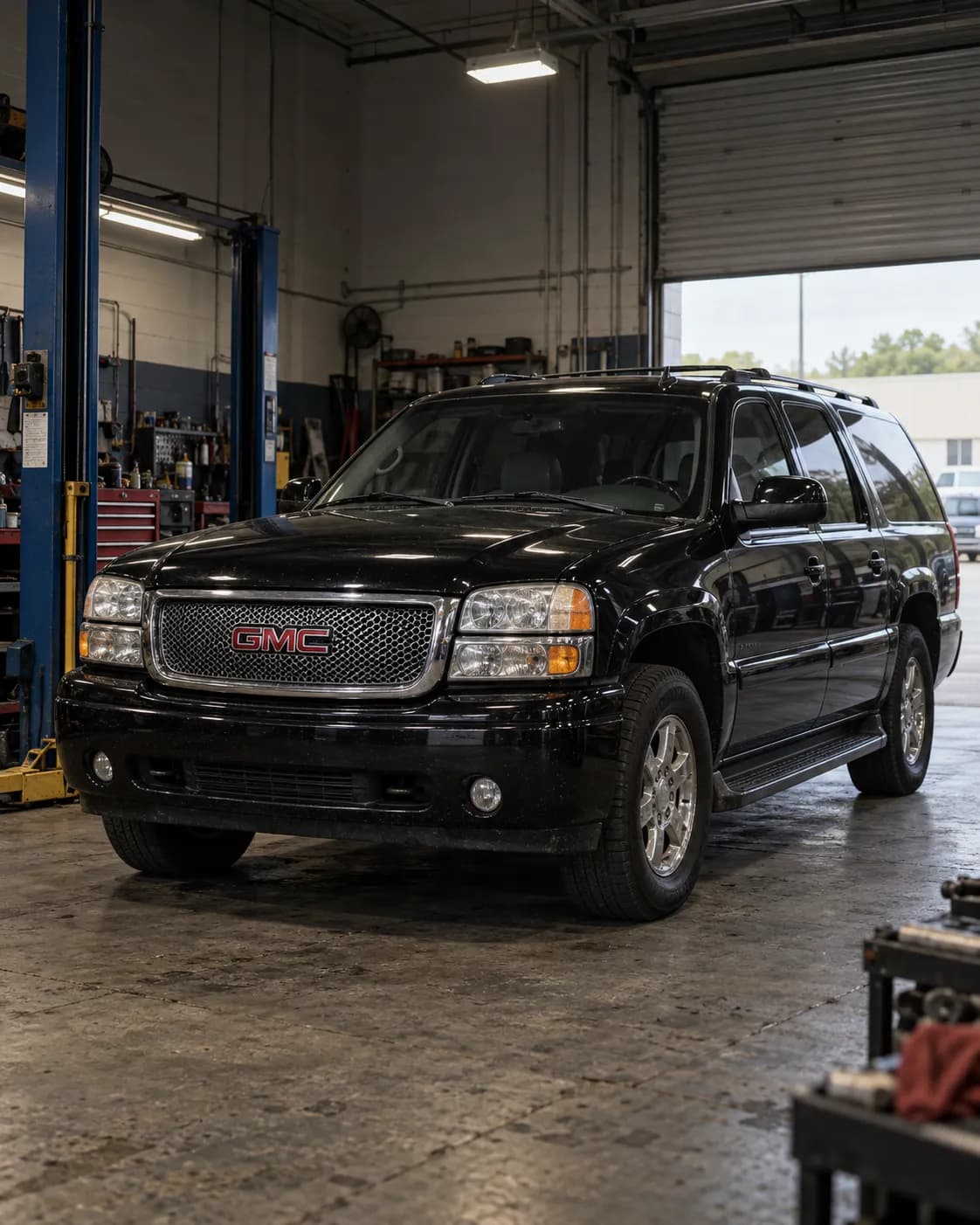
Source reference 10113652
Manufacturer communication — 2006 GMC YUKON DENALI XL
Relation to the target vehicle
- The source's vehicle field includes the trim.
- Model year
- Match 2006 — Source vehicle field
- Model
- Match YUKON DENALI XL — Source vehicle field
- Trim
- Match Denali — Source vehicle field
What the manufacturer’s document says
15-08-44-001B ・ information ・ names this vehicle
Applies to
Applies to 2000-2014 GM passenger cars and light duty trucks and listed 2015 models, including 2015 GMC Yukon models built without VV4, equipped with OnStar (RPO UE1).
the passage
2000-2014 GM Passenger Cars and Light Duty Trucks 2015 Buick Enclave 2015 Cadillac Escalade Models (Built W/O VV4) 2015 Chevrolet Camaro, Express, Traverse 2015 Chevrolet Silverado 2500/3500, Suburban, Tahoe (Built W/O VV4) 2015 GMC Acadia, Savana 2015 GMC Sierra 2500/3500, Yukon Models (Built W/O VV4) Equipped with OnStar® (RPO UE1)
Fault
Canadian wireless providers plan to decommission their 2G CDMA network through 2015, so Canadian vehicles without OnStar 3G/4G LTE need a hardware upgrade to keep OnStar services.
the passage
Canadian wireless service providers plan to decommission their 2G Code Division Multiple Access (CDMA) network through 2015. OnStar® currently depends on active and functioning 2G CDMA networks to deliver services. As a result, in order to continue to provide OnStar® services without interruption, Canadian vehicles that do not have OnStar® 3G/4G LTE will need a hardware upgrade.
Finding the cause
Possible causes
Disconnecting power to the OnStar module with the ignition ON or RAP active may activate the OnStar back-up battery, which is not rechargeable and must be replaced once discharged below a specified voltage threshold.
the passage
Disconnecting power to the OnStar® module in any way while the ignition is ON or with retained accessory power (RAP) activated may cause activation of the OnStar® Back-Up Battery. Once the Back-Up Battery is activated it will stay on until the power is restored back to the telematics communication interface control module. The back-up battery is not rechargeable and once discharged below a specified voltage threshold the back-up battery must be replaced.
Steps to confirm (in the document’s order)
Before reprogramming, verify the battery voltage is more than 12 volts but less than 16 volts; the battery must be fully charged.
the passage
Verify the battery voltage is more than 12 volts but less than 16 volts before proceeding with reprogramming. The battery must be fully charged BEFORE reprogramming.
The Tech 2 cannot communicate with the upgraded OnStar module; GDS 2 must be used for diagnostics specific to the upgraded OnStar system.
the passage
The Tech 2 is not capable of communicating with the upgraded OnStar® module. GDS 2 must be utilized to perform diagnostics specific to the upgraded OnStar® system on these vehicles.
Correction
Repair
When installing module P/N 23235234 (one of the listed modules), transfer the Bluetooth antenna, if equipped, to the new module.
the passage
If installing the modules P/N 23230482, 23230536, 23230537, 23235220, 23235227, 23235234 and 23383877, transfer the Bluetooth Antenna (1), if equipped, to the new module.
If the vehicle requires a UHF adaptor cable (P/N 23242478), install it to the antenna connector of the module and install the female to male cable (P/N 23242476) to the module, then connect both to the vehicle cables.
the passage
If the vehicle requires a UHF adaptor cable (P/N 23242478) proceed with this step: 4.1. Install the UHF adapter cable (P/N 23242478) to the antenna connector (1) of the module. 4.2. Install the female to male cable (P/N 23242476) to the module (2). 4.3. Connect the UHF adapter (1) and the female to male (2) connector to the vehicle cables.
In SPS select 'Reprogram ECU' for Telematics Communication Interface Control Module programming even if the unit is being replaced.
the passage
Due to a change in SPS you must select ‘Reprogram ECU’, for Telematics Communication Interface Control Module Programming from the Selected Programming Process even if the unit is being replaced.
Turn the ignition ON and press the OnStar Blue Button to call OnStar; the vehicle must be in an area with a strong cellular network for this step.
the passage
Turn the ignition to the ON position and press the OnStar® Blue Button to call OnStar®. Note: The vehicle must be located in an area with a strong cellular network to perform this step.
The labor time table lists 1.0 hr for 2003-2006 GMC Yukon models.
the passage
GMC Yukon Models 2003-2006 1.0 hr
Part numbers printed in the document
23230482Communication Interface Module With Telephone TransceiverLook up at RockAuto (aftermarket candidates) ↗Search the web ↗
Discontinued (no successor stated)as stated by GMPartsGiant (checked 2026-10-06) ↗
23242478Cable Assembly, Navn Antenna CoaxialLook up at RockAuto (aftermarket candidates) ↗Search the web ↗
Discontinued (no successor stated)as stated by GMPartsGiant (checked 2026-10-06) ↗
23242476Cable Assembly, Navn Antenna CoaxialLook up at RockAuto (aftermarket candidates) ↗Search the web ↗
Discontinued (no successor stated)as stated by GMPartsGiant (checked 2026-10-06) ↗
The numbers are as the document prints them. The name and the replacing number are what the pages of GMPartsGiant, a reseller of genuine parts and not GM, state. Aftermarket equivalents are not checked here (the links only search by number). Confirm the fit for the vehicle (VIN) before ordering.
Parts
The parts chart row for 2003-2006 GMC Yukon models lists 23235234, 23242476 and 23242478.
the passage
2003-2006 GMC Yukon Models 23235234 23242476 23242478
Part numbers printed in the document
23235234Communication Interface Module With Telephone TransceiverLook up at RockAuto (aftermarket candidates) ↗Search the web ↗
Replaced by: 84248721as stated by GMPartsGiant (checked 2026-10-06) ↗Look up at RockAuto (aftermarket candidates) ↗Search the web ↗
23242476Cable Assembly, Navn Antenna CoaxialLook up at RockAuto (aftermarket candidates) ↗Search the web ↗
Discontinued (no successor stated)as stated by GMPartsGiant (checked 2026-10-06) ↗
23242478Cable Assembly, Navn Antenna CoaxialLook up at RockAuto (aftermarket candidates) ↗Search the web ↗
Discontinued (no successor stated)as stated by GMPartsGiant (checked 2026-10-06) ↗
The numbers are as the document prints them. The name and the replacing number are what the pages of GMPartsGiant, a reseller of genuine parts and not GM, state. Aftermarket equivalents are not checked here (the links only search by number). Confirm the fit for the vehicle (VIN) before ordering.
Caution
Hardware upgrade sets are VIN specific and must be installed on the vehicle the set was ordered for.
the passage
Hardware upgrade sets are VIN specific and must be installed on the vehicle that the set was ordered for.
Make sure the ignition is off and RAP is deactivated before removing the OnStar module.
the passage
MAKE SURE IGNITION IS OFF AND RAP IS DEACTIVATED PRIOR TO REMOVAL OF THE ONSTAR® MODULE.
After programming, turn the ignition OFF and wait five minutes; a 5 minute wait is required to avoid configuration errors.
the passage
Turn the ignition to the OFF position and wait five minutes. Notice: A 5 minute wait time is required to avoid configuration errors.
Do not press the red OnStar Emergency Button at any time during the installation; this causes module configuration issues.
the passage
Do NOT press the RED (OnStar® Emergency Button) at any time during the installation. This will cause module configuration issues.
Compiled by reading the full text of the document; each point stands on the passage shown. Check the document itself, linked below, before working on a vehicle.
Stated content
Communication summary
本通知は、GM カナダの OnStar® セルラー通信アップグレードに関する情報を提供するものです。 Machine translation (unreviewed)
This informational bulletin provides information on a GM of Canada OnStar® cellular communication upgrade.
Go to this passage in the original
Source
- Source
- NHTSA Manufacturer Communications
- Source reference
- 10113652
- Received by source
- 2017-08-15
- Incident date
- Unknown
Open original text and sourceOpen the provider's page (external)