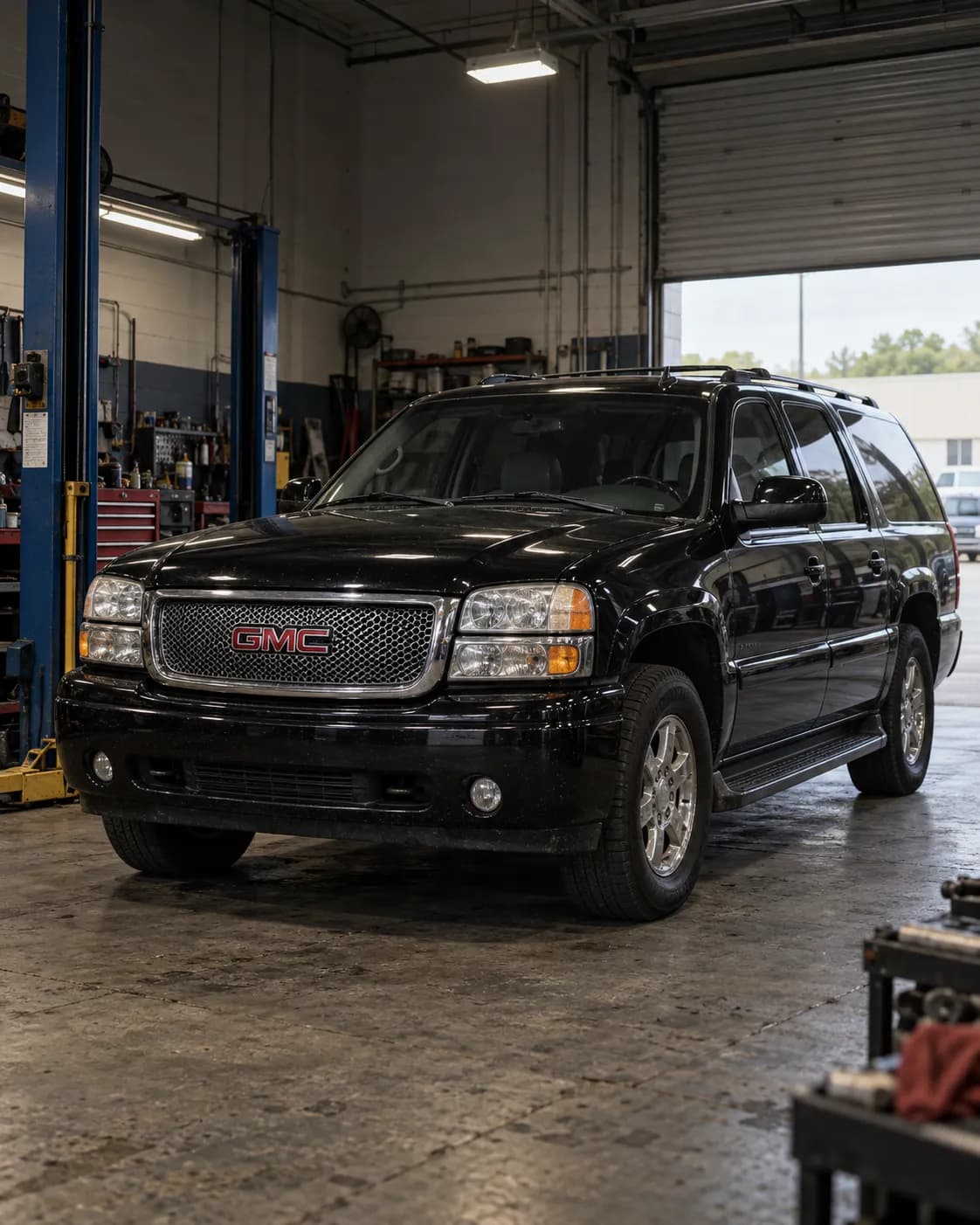
情報源での番号 10113892
メーカー通知 — 2006 GMC YUKON DENALI XL
対象車両との関係
- 情報源の車種欄にグレードが含まれています。
- モデル年
- 一致 2006 — 情報源の車種欄
- 車種
- 一致 YUKON DENALI XL — 情報源の車種欄
- グレード
- 一致 Denali — 情報源の車種欄
メーカー文書の要点
PIT5484A ・ 不具合と対処 ・ この車種を名指し
対象
対象は2003-2006年式のGMC Yukon/Yukon XL。
原文の該当箇所
2003-2006 GMC Yukon/Yukon XL
故障の状態
OnStarの15-08-44-001アップグレード後、OnStarが車両を設定できない。設定しようとするとOnStar側で118エラーになる。
原文の該当箇所
Dealers may report that OnStar is unable to configure the vehicle after the OnStar 15-08-44-001 upgrade. OnStar receives a 118 error when attempting to configure the vehicle.
関連する症状:OnStarがTurn By Turnの道案内をダウンロードできない、OnStarのデータサービス(リモート解錠、ライト点滅など)が作動しない、OnStarへの接続に時間がかかる。
原文の該当箇所
OnStar unable to Download Turn By Turn directions • OnStar Data Services inoperative (remote unlock, flash lights, etc) • Long connect times when attempting to connect to OnStar
原因の特定
考えられる原因
新しいモジュールが優先ネットワークに接続していないために起こる。
原文の該当箇所
This occurs because the new module is not connecting to the preferred network.
対処
修理
青いボタンでOnStarと通話した後、携帯電話網の更新のため車両の電源を入れたまま10分置く。
原文の該当箇所
After talking to OnStar through the blue button, leave the vehicle powered up for 10 minutes for the cellular network to update.
車両の電源を切り、運転席ドアを開けてRAPを解除する。
原文の該当箇所
Turn off the vehicle. 3. Cancel RAP (open the driver door).
バッテリーを外し、5分待ってから接続し直す。
原文の該当箇所
Disconnect the vehicle battery. 5. Wait for 5 minutes. 6. Reconnect the vehicle battery.
青いボタンをもう一度押してアドバイザーに連絡し、設定をやり直す。
原文の該当箇所
Press the blue button again to contact an advisor and attempt another configuration.
都市部にいても症状が残る場合、OnStarが基地局に接続してパケットデータ接続を確立できるよう、販売店から各方向へ2 km走行する必要があることがある。
原文の該当箇所
If the vehicle is already in a metro area and exhibits this concern, it may be necessary to drive the vehicle 2 Kilometers in each direction of the dealer to allow the OnStar system to connect to a tower and establish a Packet Data connection.
それでもパケットデータ接続が確立できない場合は、OnStarのテスト用アンテナを取り付け、屋外で5分間エンジンをかけた後に再確認する。
原文の該当箇所
If packet Data still cannot be established, install the OnStar test antenna and retest operation after letting the vehicle run outside for 5 minutes.
文書の本文を読んでまとめたものです。各項目は原文の該当箇所に基づいています。作業の前に、下の出典から文書そのものをご確認ください。
記載内容
通知の要約
本予備情報通知では、OnStar 15-08-44-001アップグレード後にOnStarが車両を構成できず、OnStarが車両の構成を試行する際にエラーコード118を受け取る場合、テクニシャンに通知しています。ディーラーはキットとともに、このエラーの処理に対応するステップを提供するシートを受け取る必要があります。ディーラーは記載されているステップのいずれかに従って、この問題を解決します。構成の問題が解決しない場合は、OnStar Technical Assistance Centreに連絡して支援を受けてください。 機械翻訳(未確認)
This Preliminary Information communication advises the technician that if OnStar is unable to configure the vehicle after the OnStar 15-08-44-001 upgrade and Onstar receives a 118 error code when attempting to configure the vehicle. Dealers should receive a sheet with the kit that provides steps to assist with handling this error. Dealer will follow one of the listed steps to resolve the issue. If there are still configuration issues, please contact the OnStar Technical Assistance Centre for assistance.
原文の該当箇所へ
出典
- 情報源
- NHTSA Manufacturer Communications
- 情報源での番号
- 10113892
- 情報源の受付日
- 2017-08-15
- 発生日
- 不明