Source reference 2007-12-01
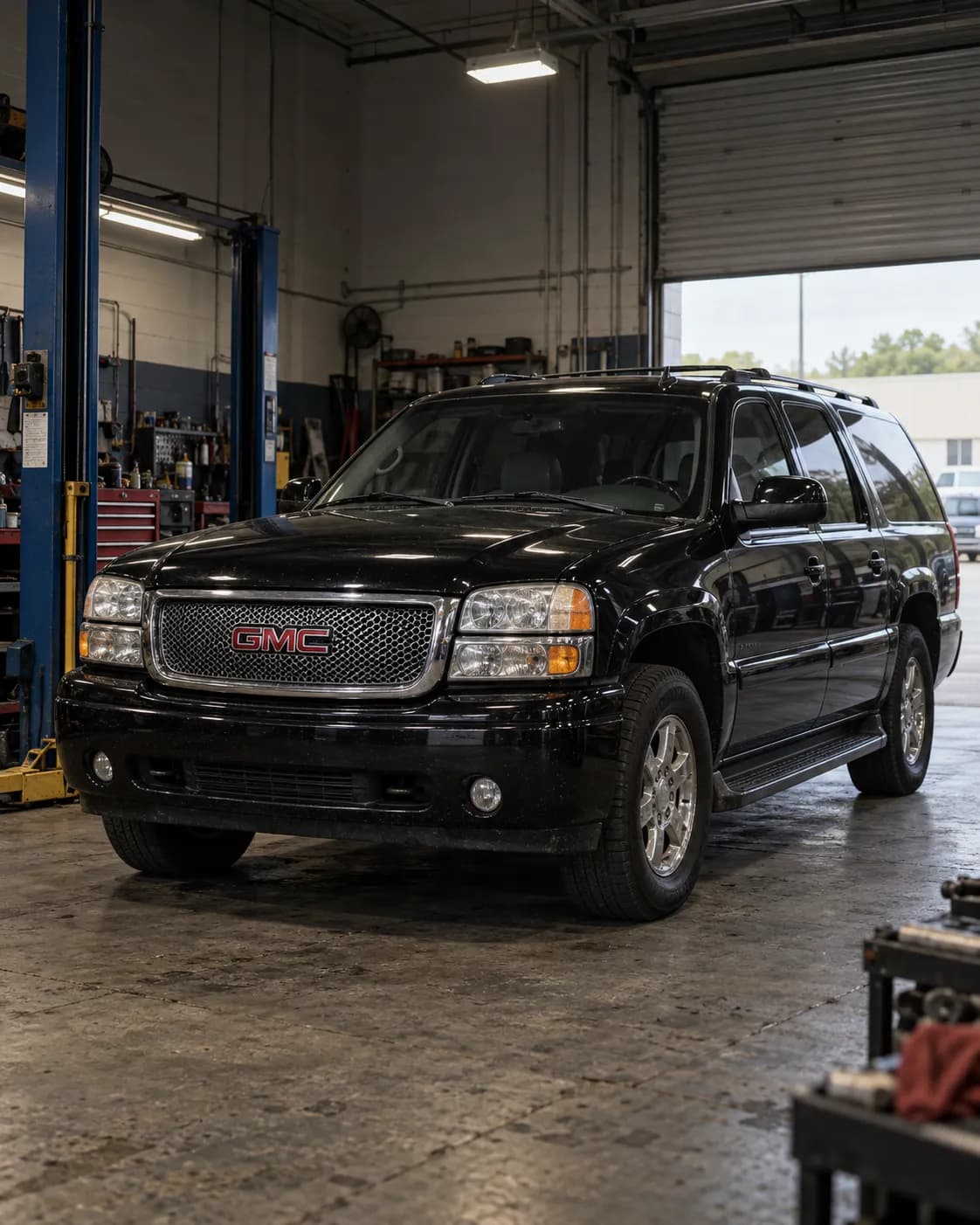
Manufacturer communication — 2006 GMC YUKON
Relation to the target vehicle
- The source's vehicle field says Yukon; whether it is an XL is not stated.
- The trim (Denali) is not stated.
- Model year
- Match 2006 — Source vehicle field
- Model
- Unknown YUKON — Source vehicle field
- Trim
- Unknown
What the manufacturer’s document says
07-08-44-014 ・ fault and correction ・ names this vehicle
Applies to
The information applies to vehicles including Yukon between 2005 and 2007 (2005-06 for Full Size Utility Trucks) with Navigation Radio (RPOs UM8, U3U or UA4).
the passage
This information applies to Rainier, Rendezvous, Terraza, Escalade, Avalanche, Suburban, Tahoe, TrailBlazer, Uplander, Yukon, Envoy, HUMMER H2 and H3, and Saab 9-7X between 2005 and 2007 (2005-06 for Full Size Utility Trucks) with Navigation Radio (RPOs UM8, U3U or UA4).
Fault
After a radio is returned from the Electronic Service Center, some owners may comment of no radio navigation operation and a CD ERROR message on the radio.
the passage
After a radio is returned from the Electronic Service Center, some owners may comment of no radio navigation operation and a CD ERROR message displayed on the radio
Finding the cause
Steps to confirm (in the document’s order)
Check a navigation radio that is returned from the Electronic Service Center before customer delivery.
the passage
Check a navigation radio that is returned from the Electronic Service Center before customer delivery.
When following bulletin 07-08-44-014, the radio displays an Update in Progress screen, which indicates that a successful update is being loaded; after the update the radio should operate as intended.
the passage
When following bulletin 07-08-44-014, the radio will display an Update in Progress screen (fig. 10) which indicates that a successful update is being loaded into the radio. After the update is complete, the radio should operate as intended.
Correction
Repair
Bulletin 07-08-44-014 provides a service procedure to resolve these conditions.
the passage
Bulletin 07-08-44-014 provides a service procedure to resolve these conditions.
What is needed
- Parts and materials
- Not stated
- Labor time
- Not stated
- Special tools
- Not stated
- Scan tool
- Not stated
Only what the technical documents state. "Not stated" does not mean not needed.
Compiled by reading the full text of the document; each point stands on the passage shown. Check the document itself, linked below, before working on a vehicle.
Stated content
Communication summary
ナビゲーションラジオのエラー この情報は、ナビゲーションラジオ(RPO UM8、U3U または UA4)付きの、2005 から 2007 まで(フルサイズユーティリティトラックは 2005-06)の Rainier、Rendezvous、Terraza、Escalade、Avalanche、Suburban、Tahoe、TrailBlazer、Uplander、Yukon、Envoy、HUMMER H2 および H3、ならびに Saab 9-7X に適用される。 ラジオが Electronic Service Center から返却された後、ラジオのナビゲーションが作動せず、ラジオに CD ERROR メッセージが表示される、と申し出る所有者がいる 技術情報 07-08-44-014 に、これらの状態を解消するための整備手順がある。 Electronic Service Center から返却されたナビゲーションラジオは、ユーザーに引き渡す前に点検する。 技術情報 07-08-44-014 に従って作業すると、ラジオに Update in Progress の画面(fig. 10)が表示される。これは、更新がラジオに正常に読み込まれていることを示す。更新が完了すれば、ラジオは意図どおりに作動するはずである。 Machine translation (unreviewed)
Navigation Radio Error This information applies to Rainier, Rendezvous, Terraza, Escalade, Avalanche, Suburban, Tahoe, TrailBlazer, Uplander, Yukon, Envoy, HUMMER H2 and H3, and Saab 9-7X between 2005 and 2007 (2005-06 for Full Size Utility Trucks) with Navigation Radio (RPOs UM8, U3U or UA4). After a radio is returned from the Electronic Service Center, some owners may comment of no radio navigation operation and a CD ERROR message displayed on the radio Bulletin 07-08-44-014 provides a service procedure to resolve these conditions. Check a navigation radio that is returned from the Electronic Service Center before customer delivery. When following bulletin 07-08-44-014, the radio will display an Update in Progress screen (fig. 10) which indicates that a successful update is being loaded into the radio. After the update is complete, the radio should operate as intended.
Go to this passage in the original
Source
- Source
- GM TechLink
- Source reference
- 2007-12-01
- Received by source
- 2007-12-01
- Incident date
- Unknown
Open original text and sourceOpen the provider's page (external)